

Connect your Notion workspace
- Go to the Agent page in your dashboard.
- In the “Agent settings” section, click Install Notion app.
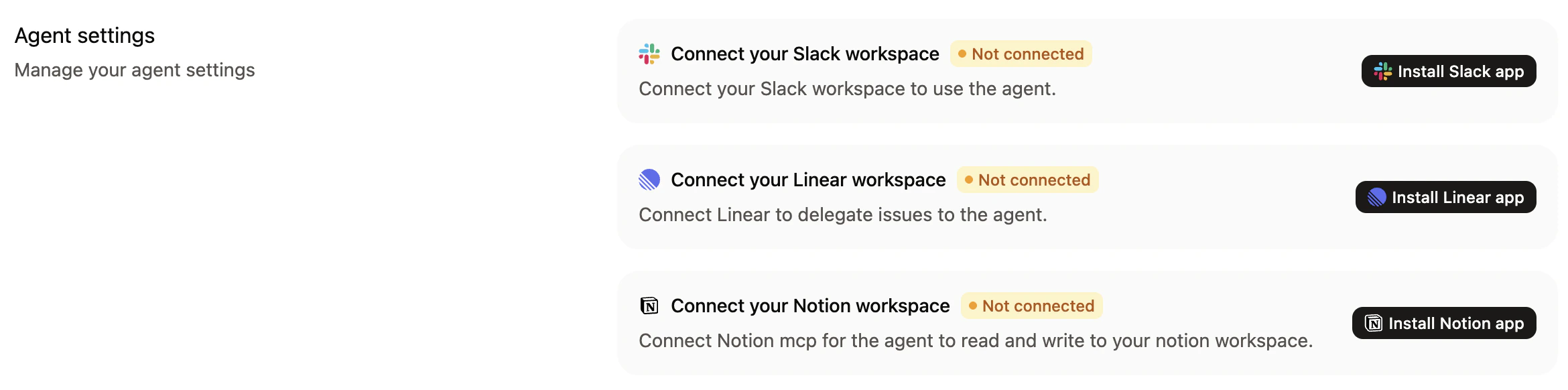
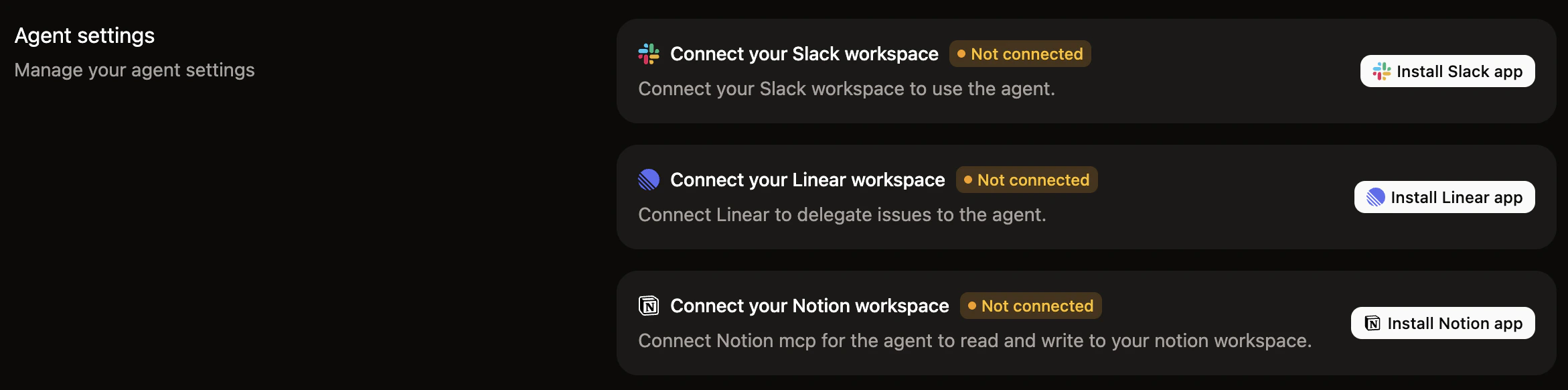
- Follow the prompts to authorize Mintlify to access your Notion workspace.
- In Notion’s authorization screen, select which pages and databases to share with Mintlify.
What the agent can do with Notion
The Notion integration uses Notion’s MCP tools to search and read your workspace content. Your content in Notion becomes additional context for the agent to use when generating documentation. When the agent has access to your Notion workspace, it can:- Search Notion: Find relevant pages and databases in your connected Notion workspace based on the context of your request.
- Read Notion pages: Access the content of Notion pages to use as reference material when generating documentation.
- Reference databases: Pull structured data from Notion databases to inform documentation updates.
Use cases
- Sync product specs to docs: Reference product requirement documents and design specs stored in Notion when writing feature documentation.
- Document from meeting notes: Point the agent to meeting notes or decision logs in Notion to draft documentation based on team discussions.
- Pull from internal knowledge bases: Use internal wikis and knowledge bases in Notion as source material for public-facing documentation.
Best practices
- Scope access carefully: Only grant access to the Notion pages and databases that contain information relevant to your documentation.
- Provide specific references: When prompting the agent, mention the specific Notion page or database you want it to reference for best results.
- Review generated content: Always review pull requests to ensure information from Notion is appropriately adapted for your public documentation.